Editorial review completed 27 May 2026
XX3 Android APK Setup: File Checks, Permissions and Version Changes
Use this page to prepare an Android phone for the APK, verify the file, check compatibility and storage, examine permissions, and manage later versions with care.
Continue to XX3 Open sign-in
Before the file reaches your phone
Check the package and the phone before pressing Install
An APK adds software directly to Android, so start with the file source and the condition of the phone. Verify where the XX3 package was obtained, inspect its name, and leave enough free storage for setup to finish without interruption.
A prominent download button is not proof that a file is suitable. Exit any page that forces unrelated apps, asks for unusual access or adds unnecessary verification before the APK is provided; the expected route should be straightforward.
- Confirm the page and file source first
- Leave sufficient free space on the device
- Use a stable network so the package arrives intact
- Avoid modified packages, unchecked mirrors and files circulated by unknown groups
Phone compatibility and capacity
Confirm the Android version and prepare the device
Installation can fail because storage is nearly full, Android is too old, install access is blocked or the package did not download completely. Free some space, restart the handset and obtain one clean copy from the verified source before treating it as an app fault.
A successful installation does not mean every game screen will run smoothly on an older device. Close heavy background apps, inspect battery-saving restrictions and check available memory before trying another installation.
Before you continue
Prepare the handset before retrying
Reserve space not only for the package but also for cache files, screenshots and future updates. A phone that is almost full is more likely to interrupt setup or stall while loading.
Permission review
Read every access request before approving it
The permission screen is an important checkpoint. Internet or limited file access may be understandable, whereas SMS, contacts, call history or accessibility control should prompt a fresh check of the package.
Approving every prompt without reading it gives the app more access than necessary. Decline permissions unrelated to its function, and use the normal recovery route rather than disclosing an OTP or password.
- Open the package only after the download is complete
- Review each requested permission individually
- Cancel setup when the requested access has no clear purpose
- Remove the temporary unknown-app permission after installation
Handling a later APK build
Apply the same checks whenever a new APK appears
Treat an update like a fresh installation. A newer build may improve compatibility or correct faults, but its source still needs verification; avoid patched copies and confirm that the app starts normally once the update is applied.
If an update stops midway, delete the partial package, reboot the phone and see whether the existing installation still works. Trying several random builds is not a sensible fix, and account-access issues should be handled through the sign-in guide.
Before you continue
When installation works but sign-in does not
After a successful install, resolve account-access trouble through thesign-in recovery steps instead of replacing the APK again.
Visual reference
XX3 Android APK Layout References
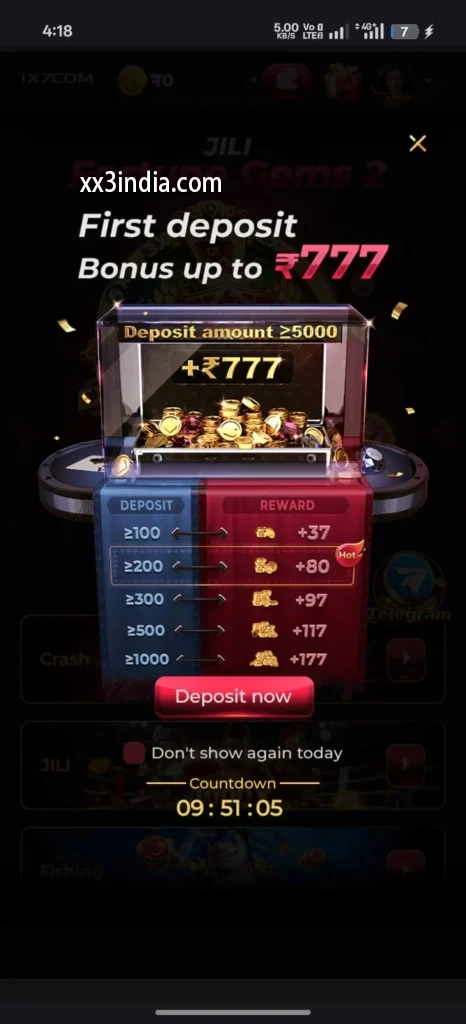
Treat these images as layout references only; the current prompts and account directions on your own phone take priority.


Next useful pages
Move to the guide that matches the issue
Sign-in and account recovery
Use this page when an OTP, password check or sign-in error is blocking the account.
Android setup and install checks
Review where the file came from, what access it requests, whether the phone supports it and how updates should be handled.
Game sections and rules
Compare the available sections, their rules and phone controls before beginning a session.
Quick clarifications
What this page answers
What should be confirmed before the XX3 APK is installed?
Before installation, check the source and file name, confirm sufficient storage and Android compatibility, and read the permission list.
Can the browser keep its APK-install permission after setup?
No. Once the package is installed, remove the temporary install access granted to the browser or file manager.
Which Android permissions deserve extra scrutiny?
Stop and recheck the file when it seeks contacts, SMS, call history or accessibility control without an obvious app-related need.
Will Android place a newer XX3 APK over the current app?
Android can often update the existing installation with a newer package, provided the file comes from a verified source and is not an unfamiliar modified build.